Question
How Can Data Be Written Into a Text File from a DataMan Reader?
Answer
- Open the “DataMan Setup Tool” software : https://support.cognex.com/en/downloads/dataman/software-firmware
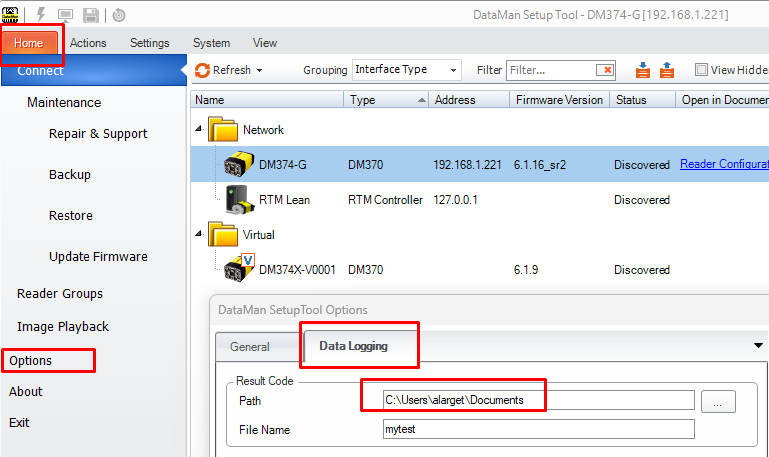
- Navigate to the “Home” tab, then click on “Options”
In the “Data Logging” tab, specify a file path for “Result Code”:
- Connect to the reader
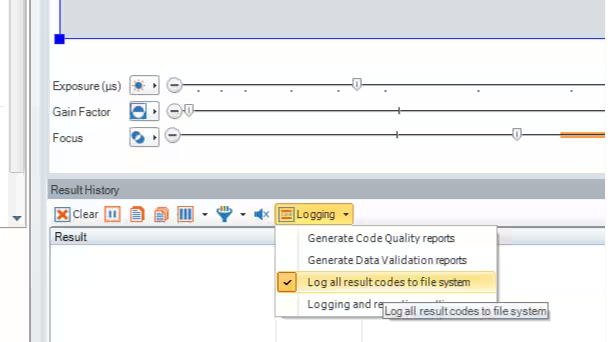
In the “Result History” section, go to “Logging”, and select “Log all result codes to file system”:
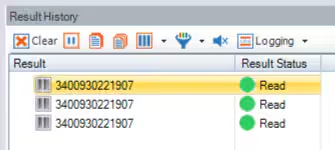
Present a readable code to the reader, and send a trigger :
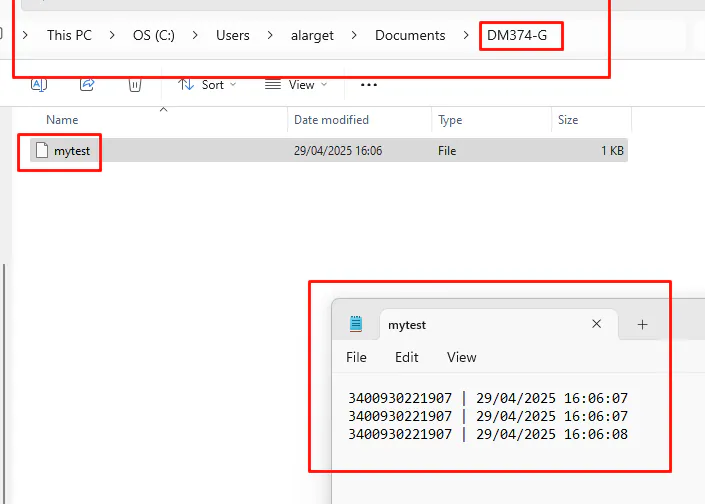
A new folder will automatically be created, using the name of the reader (e.g., “DM374-G”), containing a text file with the logged result codes: