Details
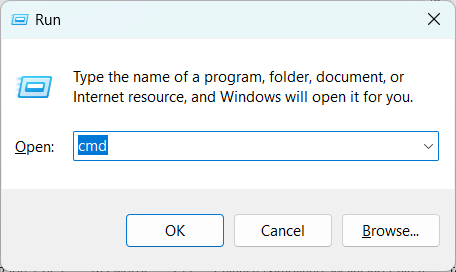
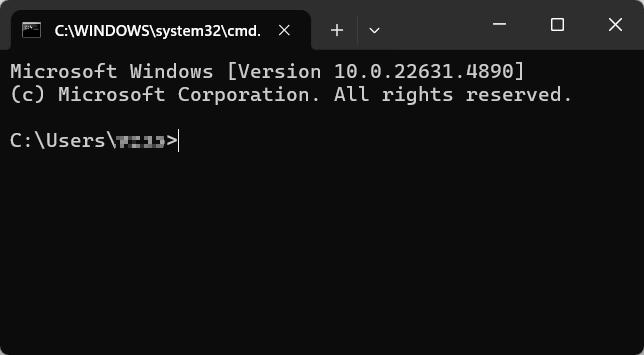
Press the shortcut key Win+R to open the Run window, then type cmd to enter the Windows Command Prompt
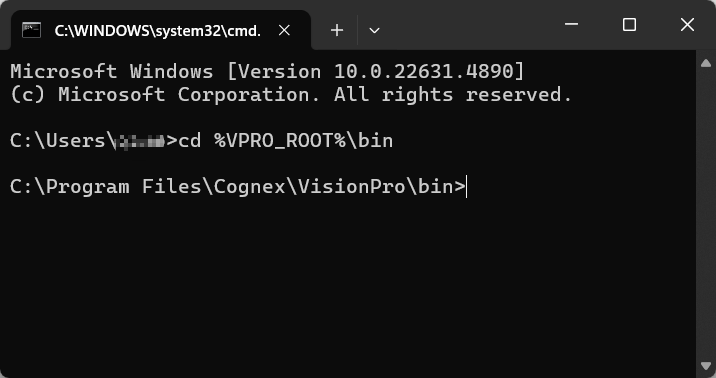
Type cd %VPRO_ROOT%\bin to navigate to the corresponding directory.
Enter the following command:
L68_Configuration_Tool
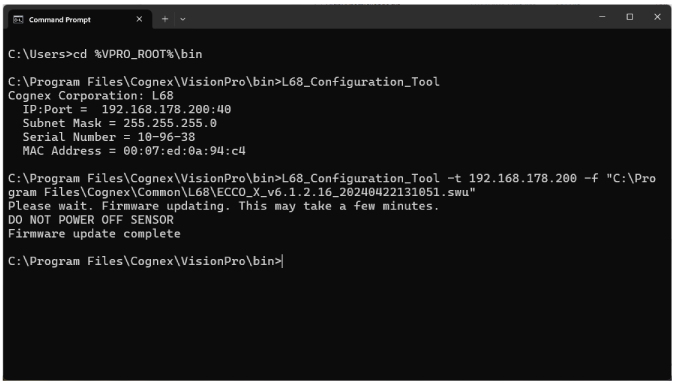
Windows Command Prompt displays network information regarding all 3D-68 sensors available to the PC: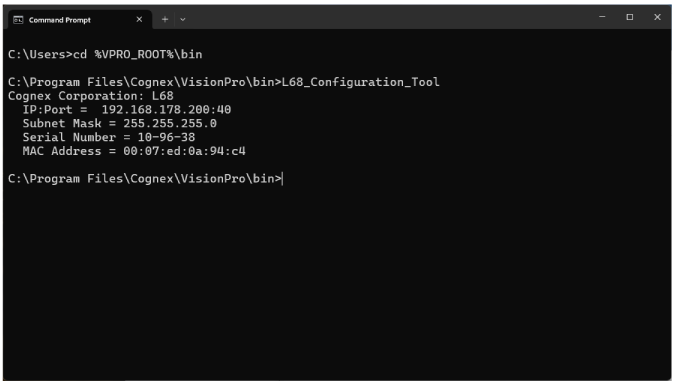
- For PCs with more than one vision sensor available, compare the serial number of the sensor you want to upgrade to the printed information on a label attached to the sensor.
Enter the following command:
L68_Configuration_Tool -t<IP Address of target L68>-f<firmware file path>
See the following figure for an example: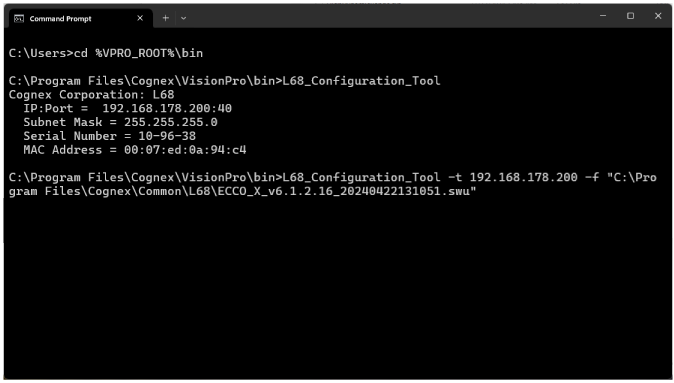
Note: Do not power off the 3D sensor or cancel the firmware update prematurely.
Wait until the executable finishes and Windows Command Prompt displays the string Firmware update complete: