Details
This article describes an easy way of setting up a barcode as a location tool (e.g., for OCR applications when there is no pattern available).
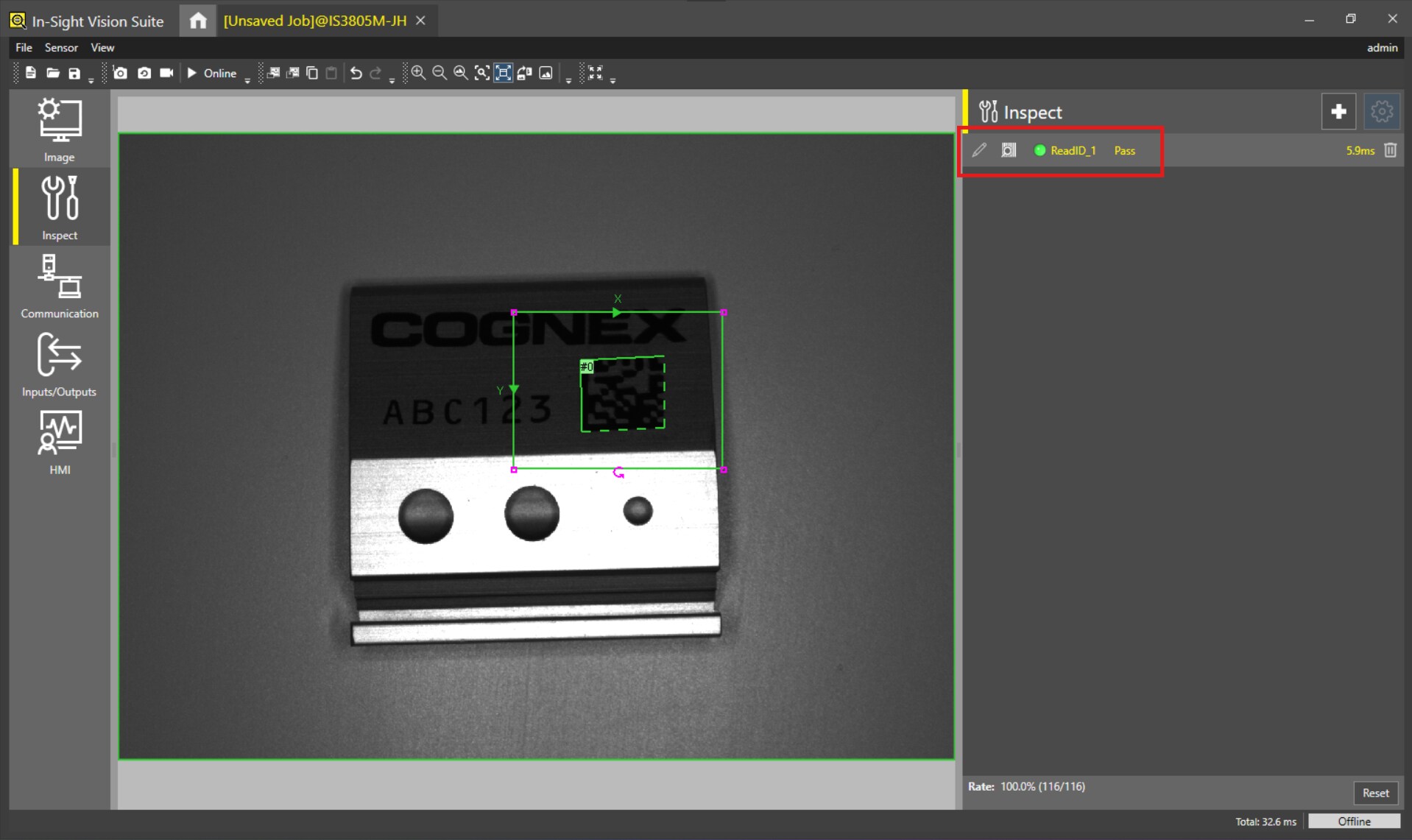
- Add the ID Tool to read the 1D or 2D barcode.
- Select the search region.
Click OK.
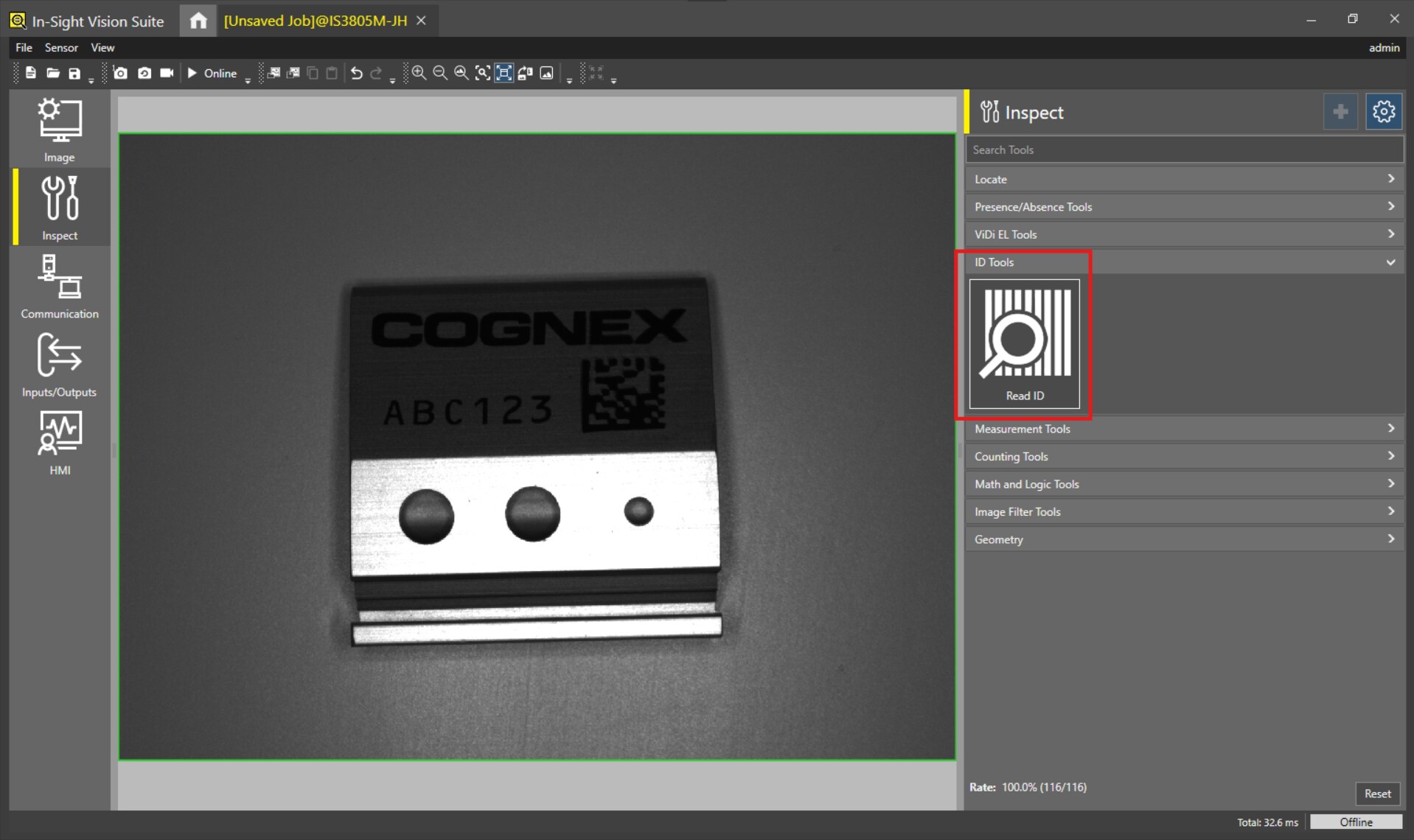
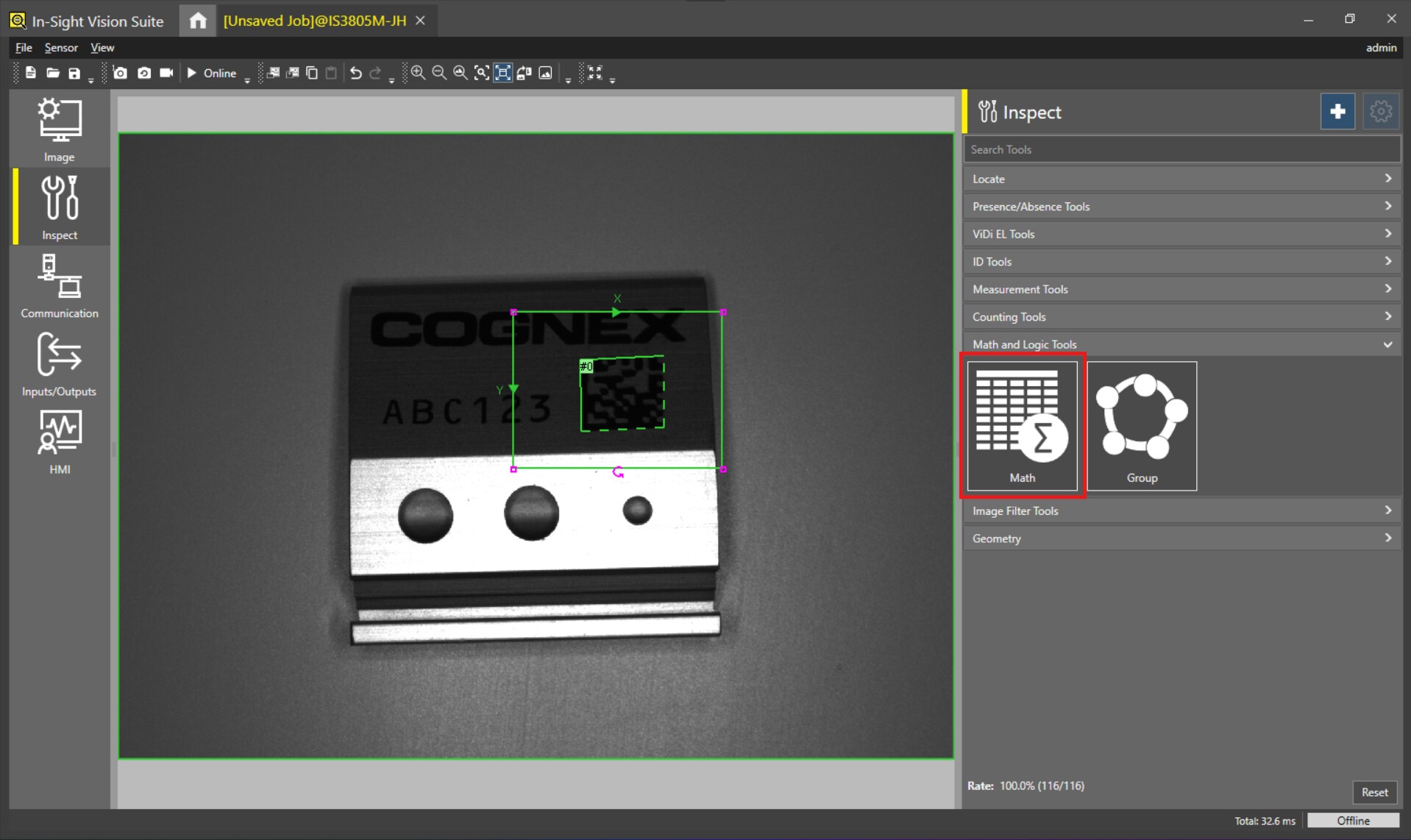
Select and add the Math Tool.
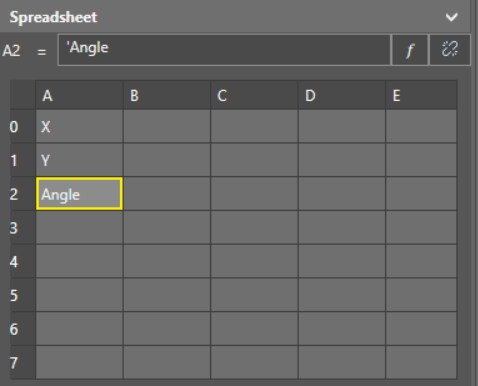
Type "'X", "'Y" and "'Angle" in the cells A0, A1 and A2.
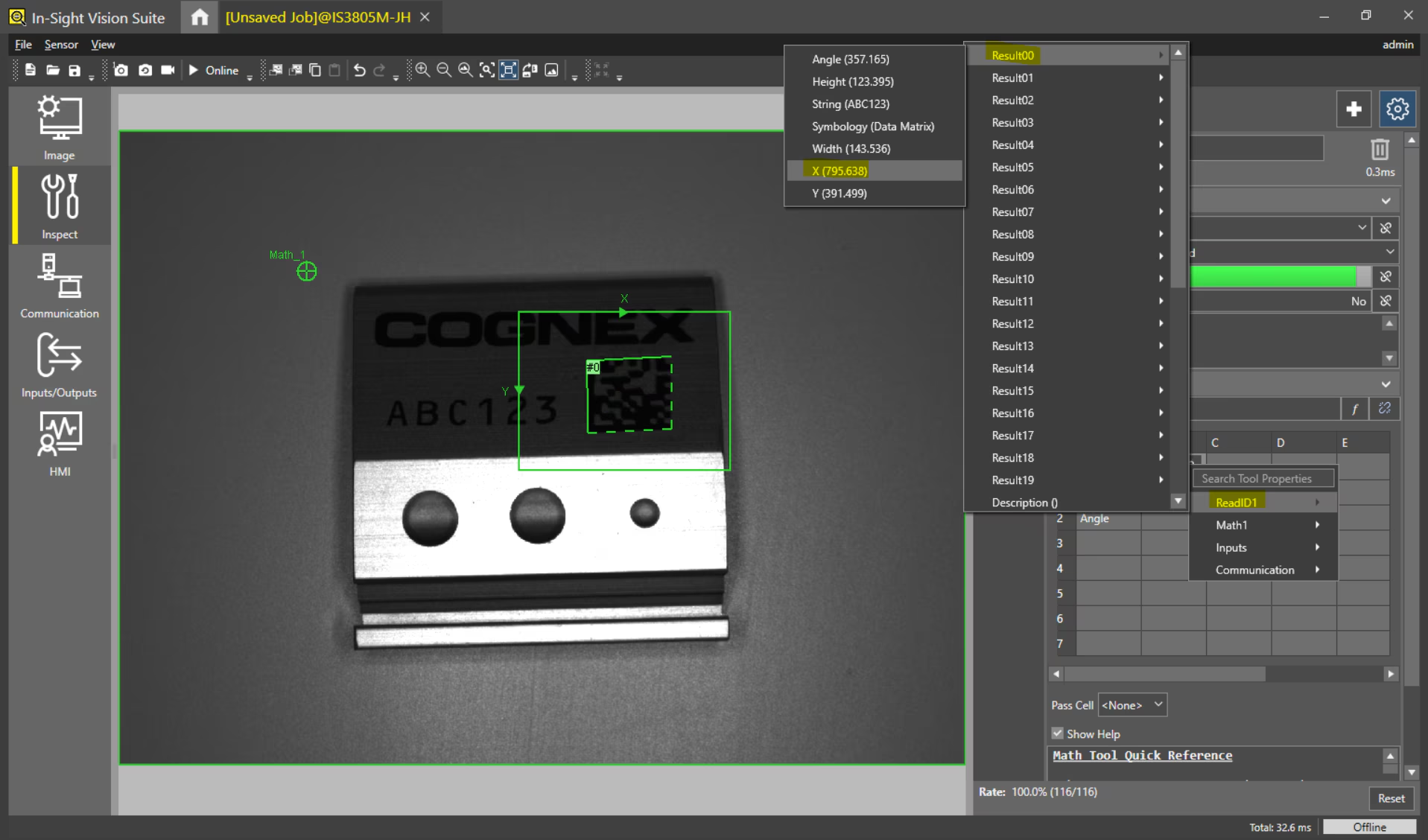
Go to cell B0 click the link button and select ReadID1 => Result00 => X
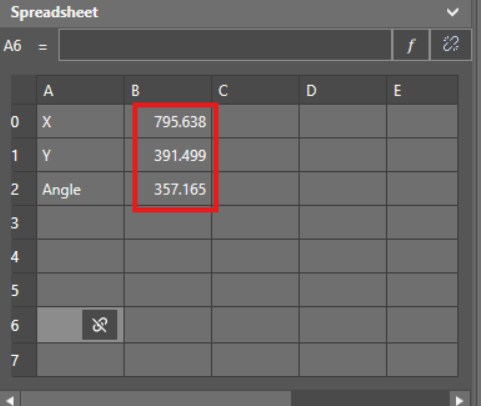
Repeat these steps for the Y and Angle parameters to get a result as below.
Go to cell A4 and type "Fixture(Acquired,B0,C1,B2,1)" and press Enter.
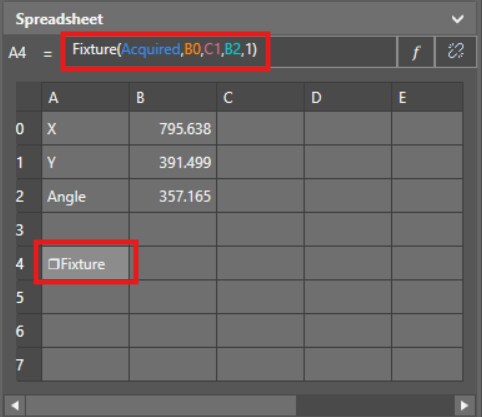
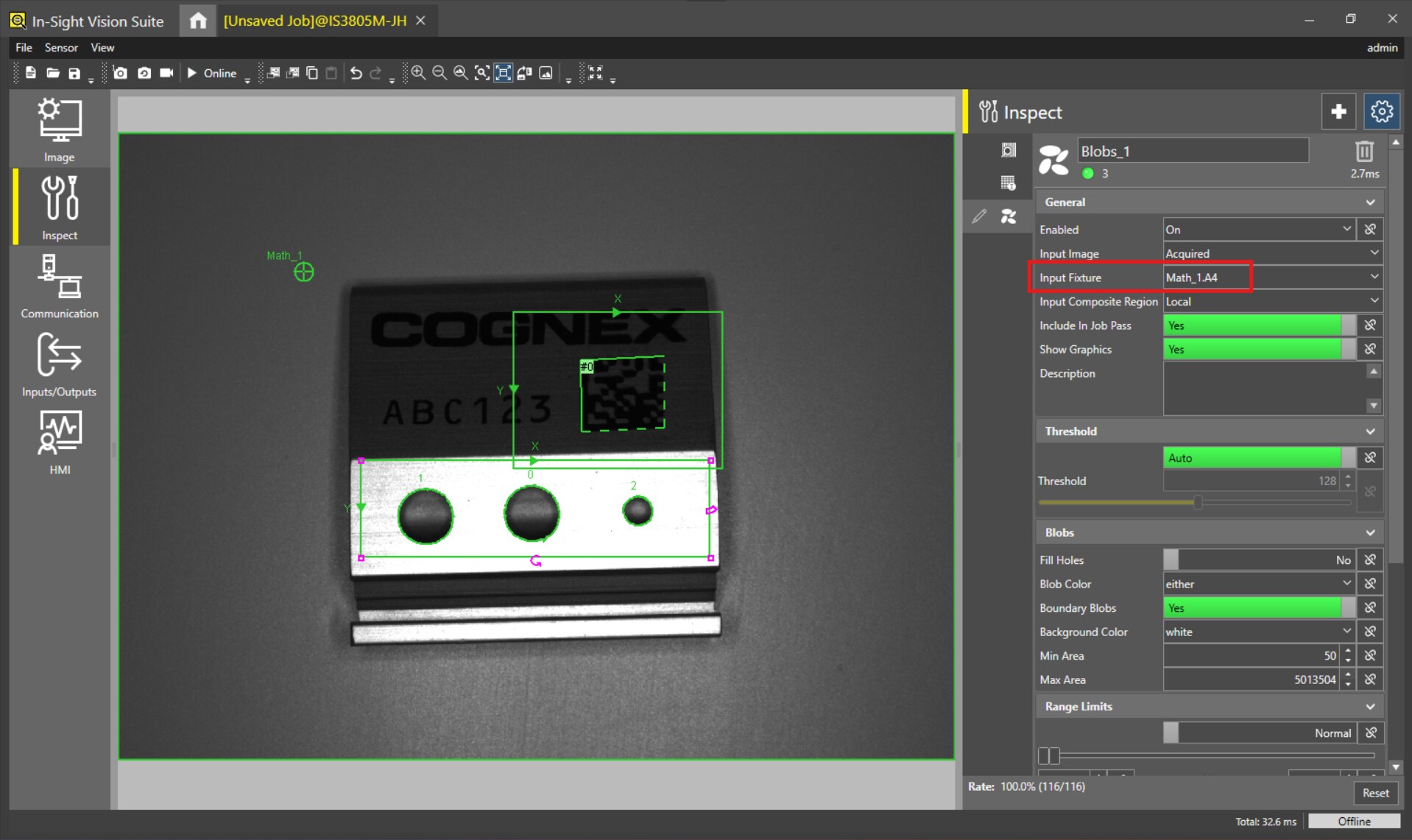
You can close the tool and select a new one (e.g., Count Blobs that, after selecting the region, will be connected automatically with the barcode location coming from the Math Tool).