Cognex Support Hub


How to Save Pictures with VisionView Web and In-Sight Cameras
How do I save pictures with VisionView Web and In-Sight cameras?
03/25/2025
How do I save pictures with VisionView Web and In-Sight cameras?
How do I save pictures with VisionView Web and In-Sight cameras?
Answer
For the In-Sight 2800 and 3800 series:
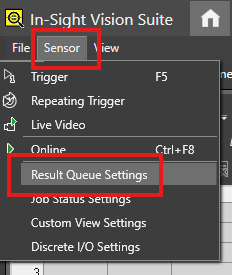
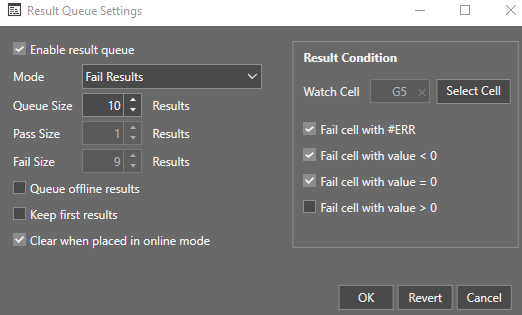
Select a Watch Cell as a Result Condition:
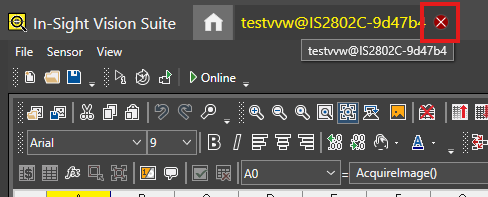
Close the camera tab on In-Sight Vision Suite.
Click Freeze.
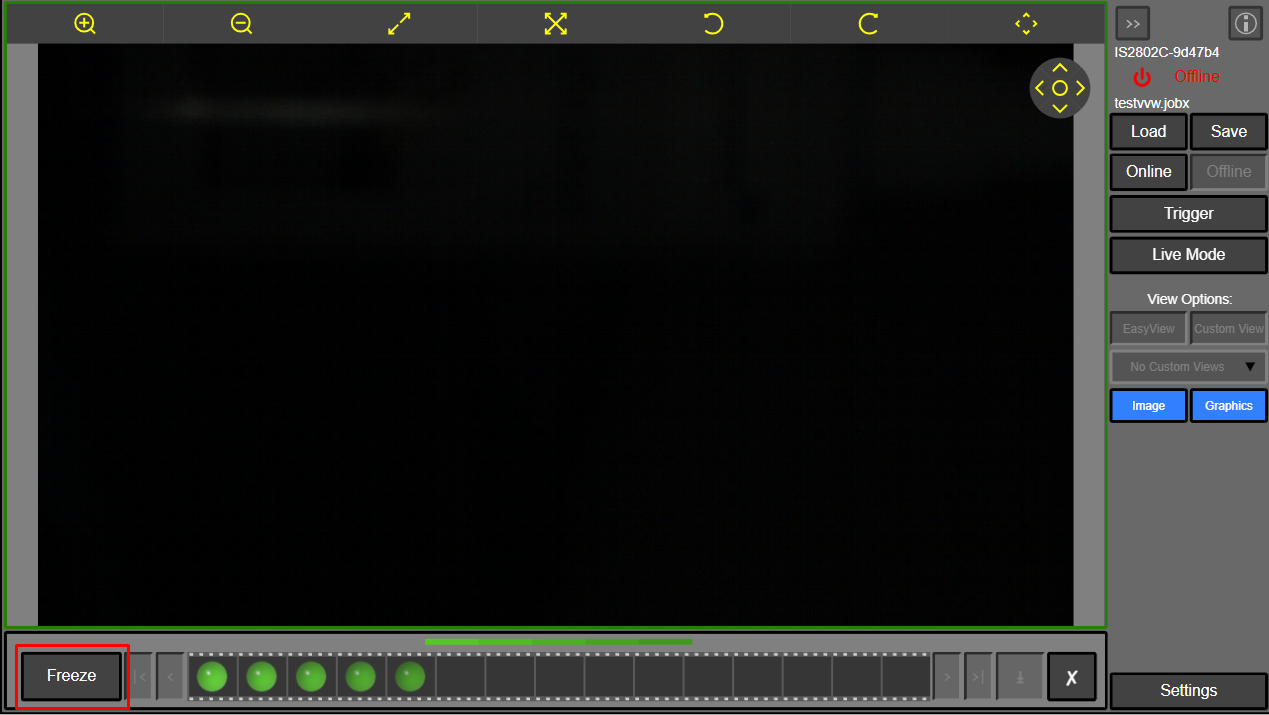
Click Save All.
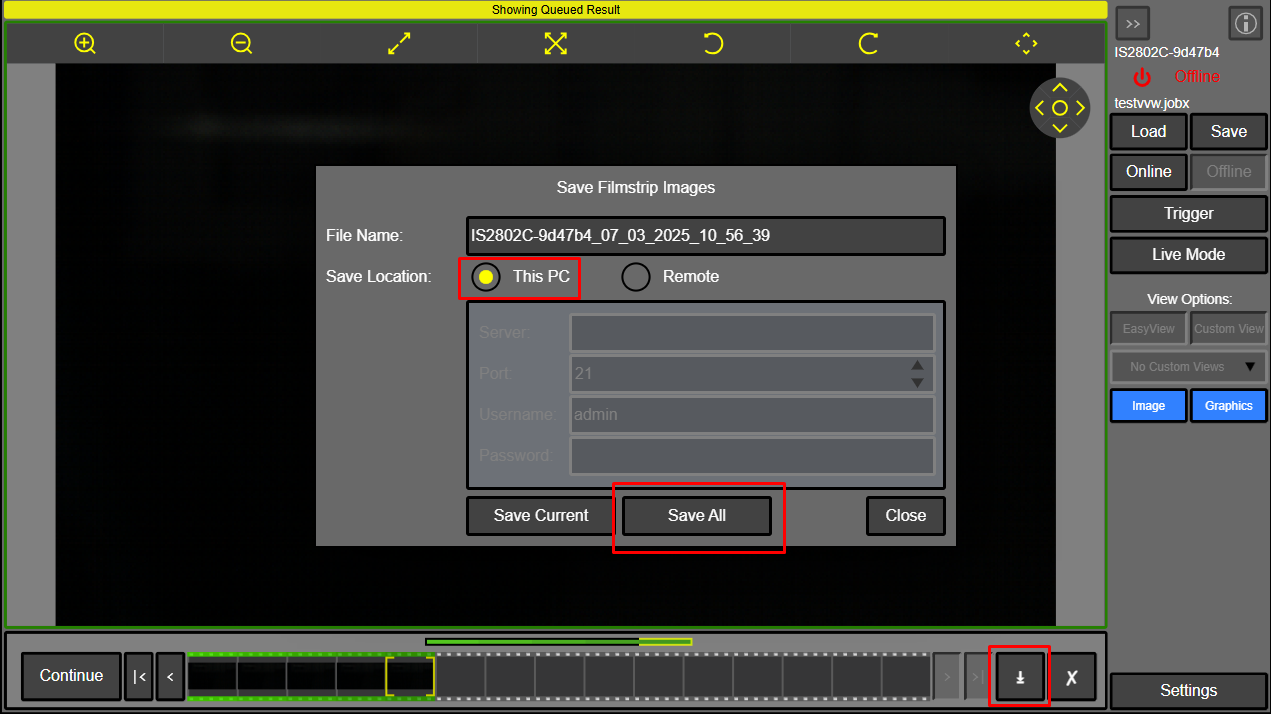
The filmstrip images will be saved onto the USB stick.
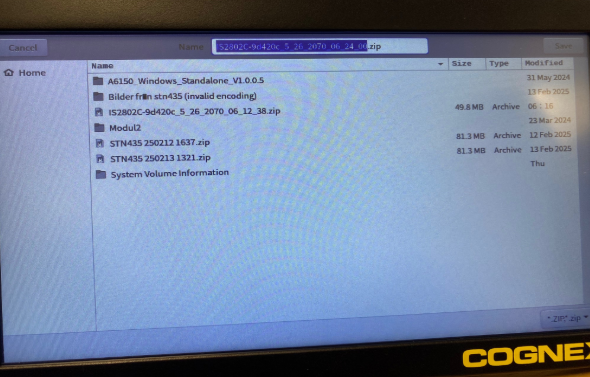
On the VisionView Web panel, you can save a .zip folder.
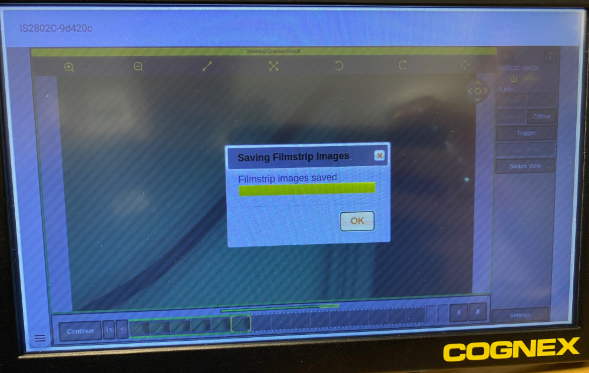
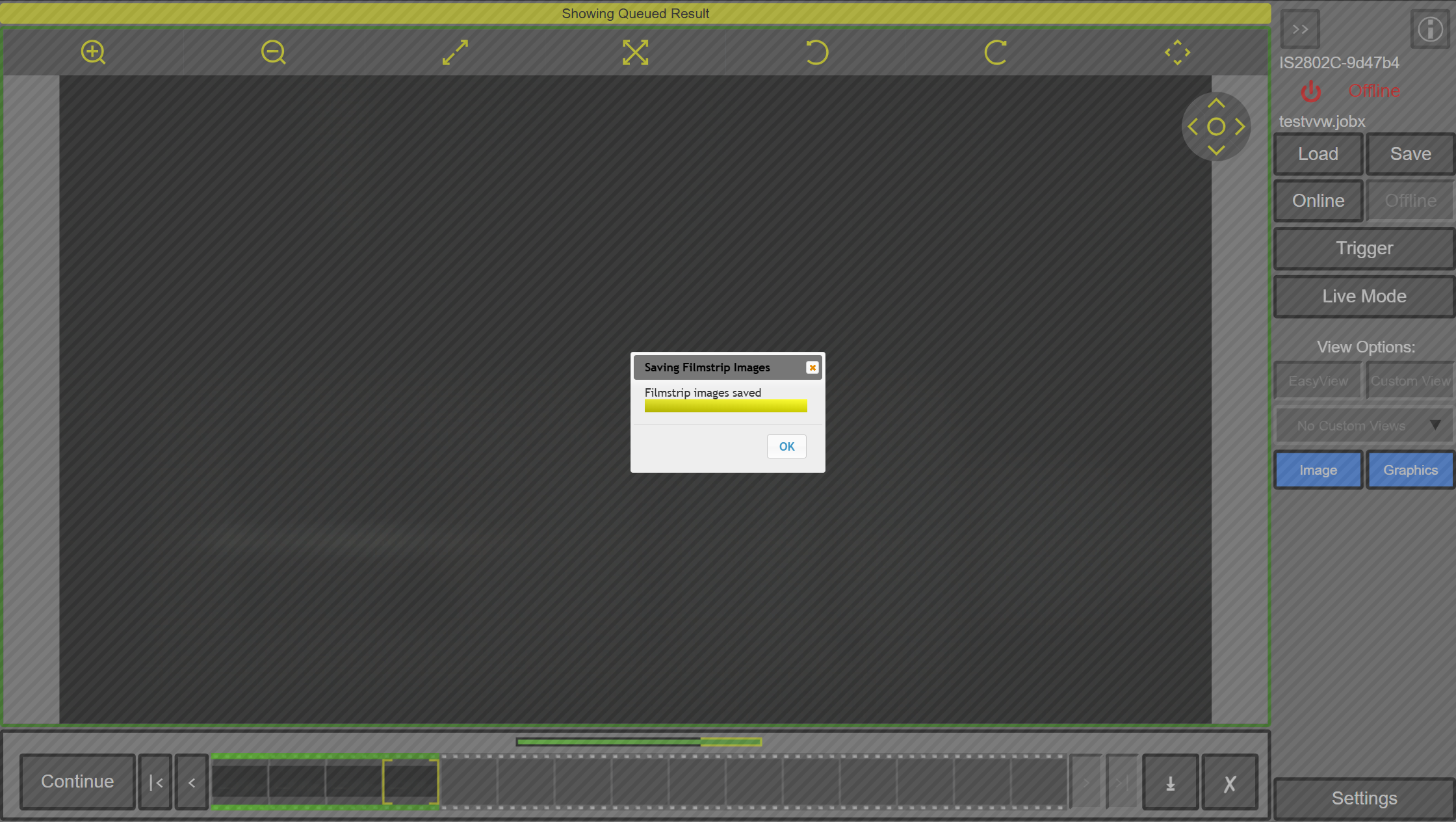
Wait during saving filmstrip images.
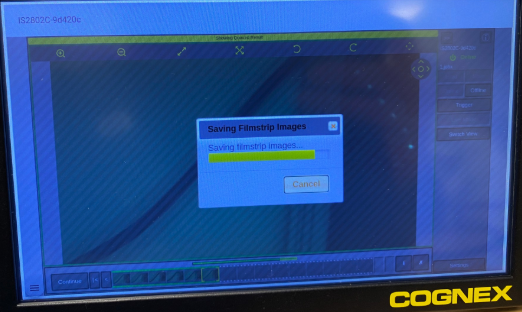
Click OK and wait to get all the images on the USB stick.