

Question
How do I export the license key from my In-Sight 3800 camera to update it?
Answer
- Connect the In-Sight 3800 camera to your PC and start In-Sight Vision Suite software
Click on Discovered Camera and go to Utilities -> License Configuration
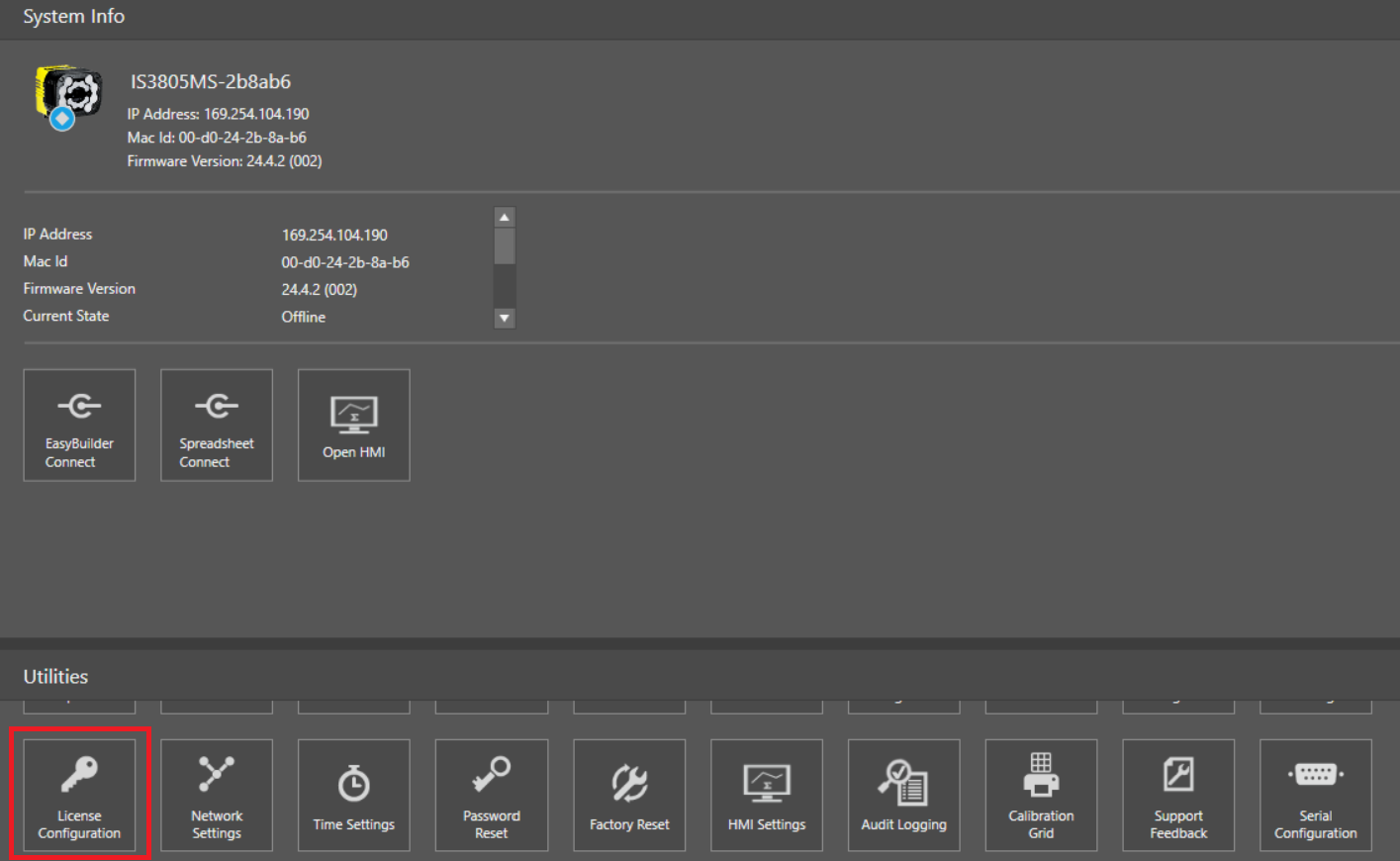
Click on Create License Request
This will prompt a new window asking where to save the .perm file.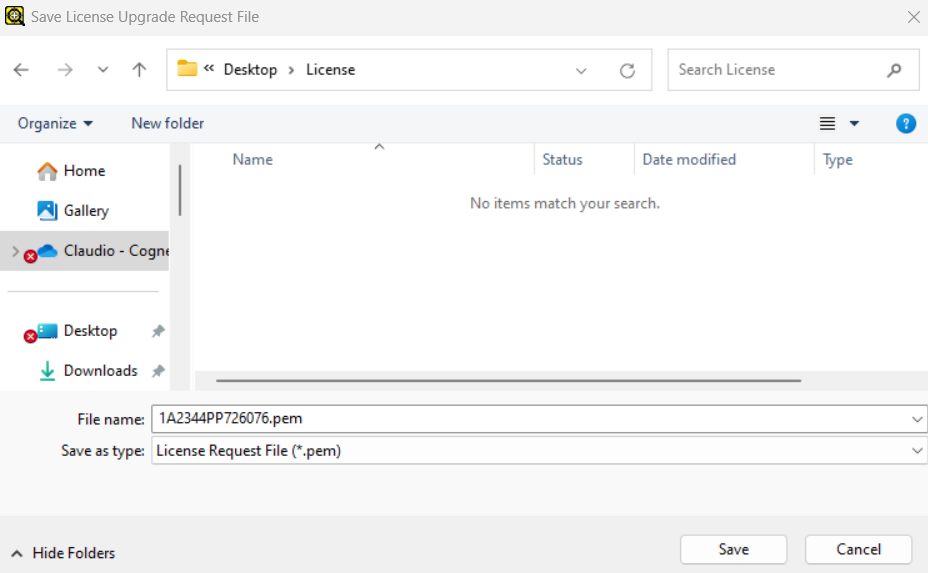
- The device will collect info and save the license in the selected folder
- Submit this file for the upgrade
