

Question
How can I setup my Bluetooth-capable DataMan handheld to my computer to allow it to act as an HID/keyboard?
Answer
Bluetooth Direct Connect utilizes Bluetooth 4.2 to directly connect your handheld reader to a phone, tablet, or computer. By turning on HID mode, the reader can communicate as a keyboard to the connected device.
Any Bluetooth handheld can be utilized as a Bluetooth direct connect reader by upgrading your firmware to 6.2.7_sr1 or higher (see 23.2.0 Installer). Bluetooth direct connect readers can also be used as a Bluetooth to base station reader by pairing your reader with a base station. However, a Bluetooth reader cannot be used as a wi-fi reader, nor can a wi-fi reader be used as a Bluetooth reader.
The OLED display is a user interface where you can communicate with the DataMan 8700.
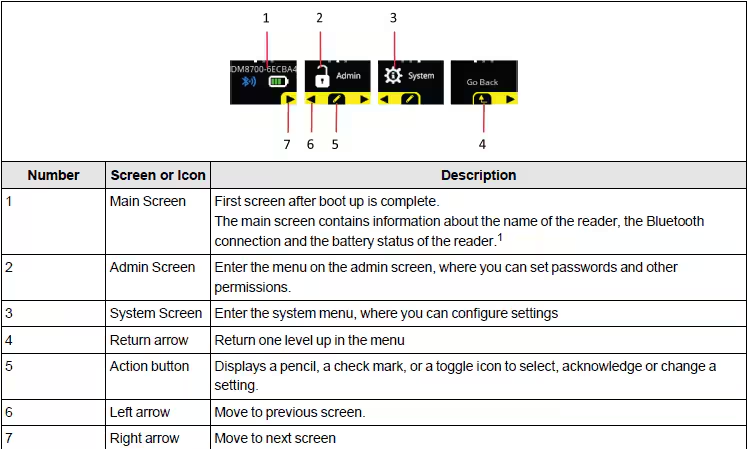
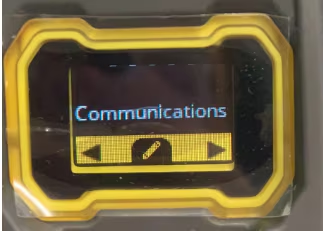
Go to Settings using OLED display.
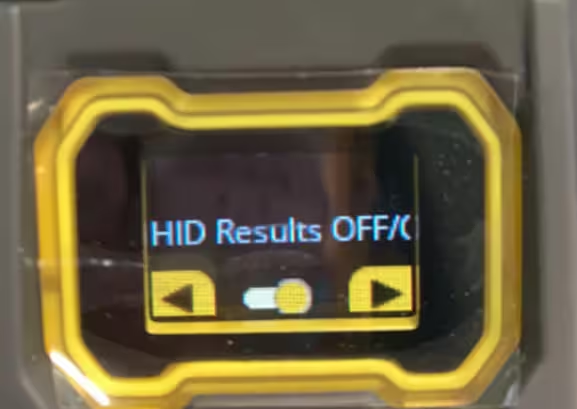
Turning on HID mode, then the reader can communicate as a keyboard to the connected device.
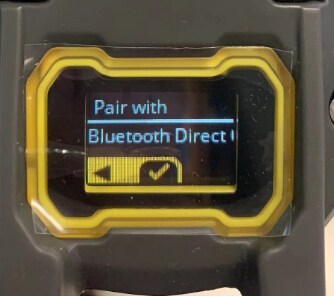
Go to “Pair” , choose “Pair with Blutooth Direct Connect Device”.
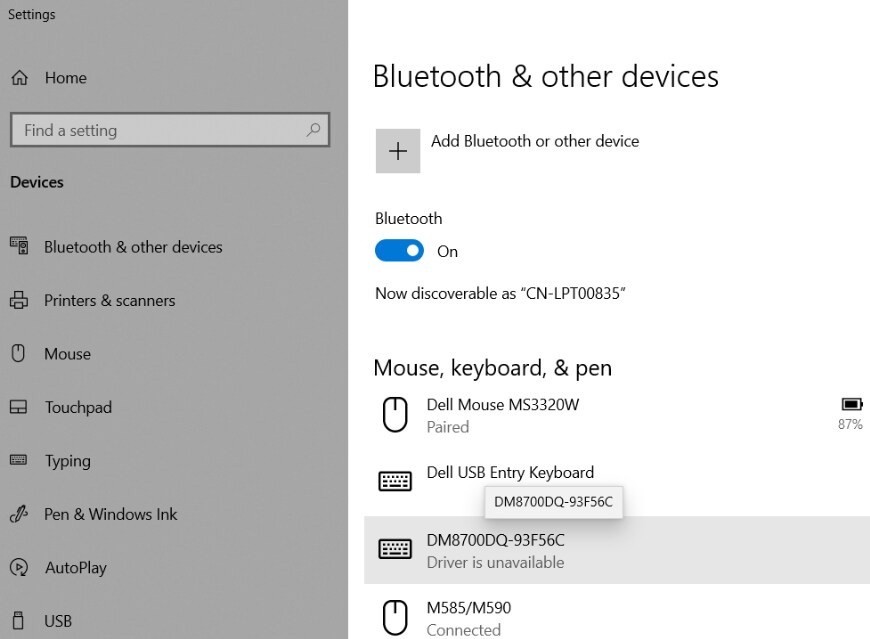
Using a PC as an example, navigate to the Bluetooth & Other Devices settings and your PC will automatically detect the reader. Then, add the reader.
Open the notebook and place the cursor in it. Then trigger the reader, the result will be displayed in the notebook.
