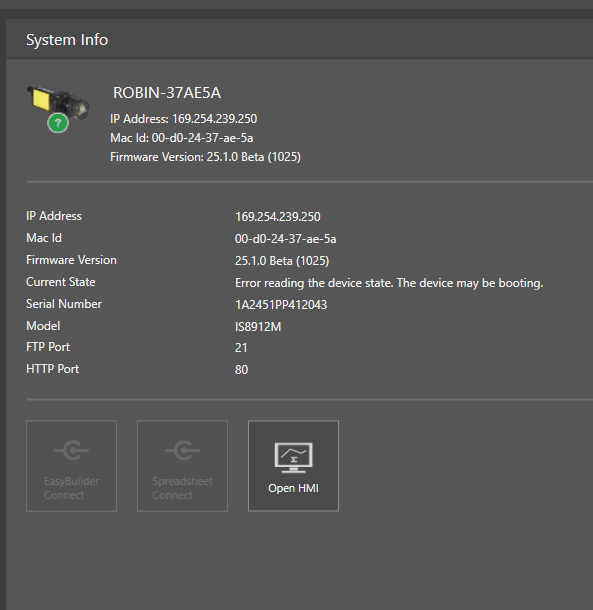
Details
- Launch your In-Sight Vision Suite
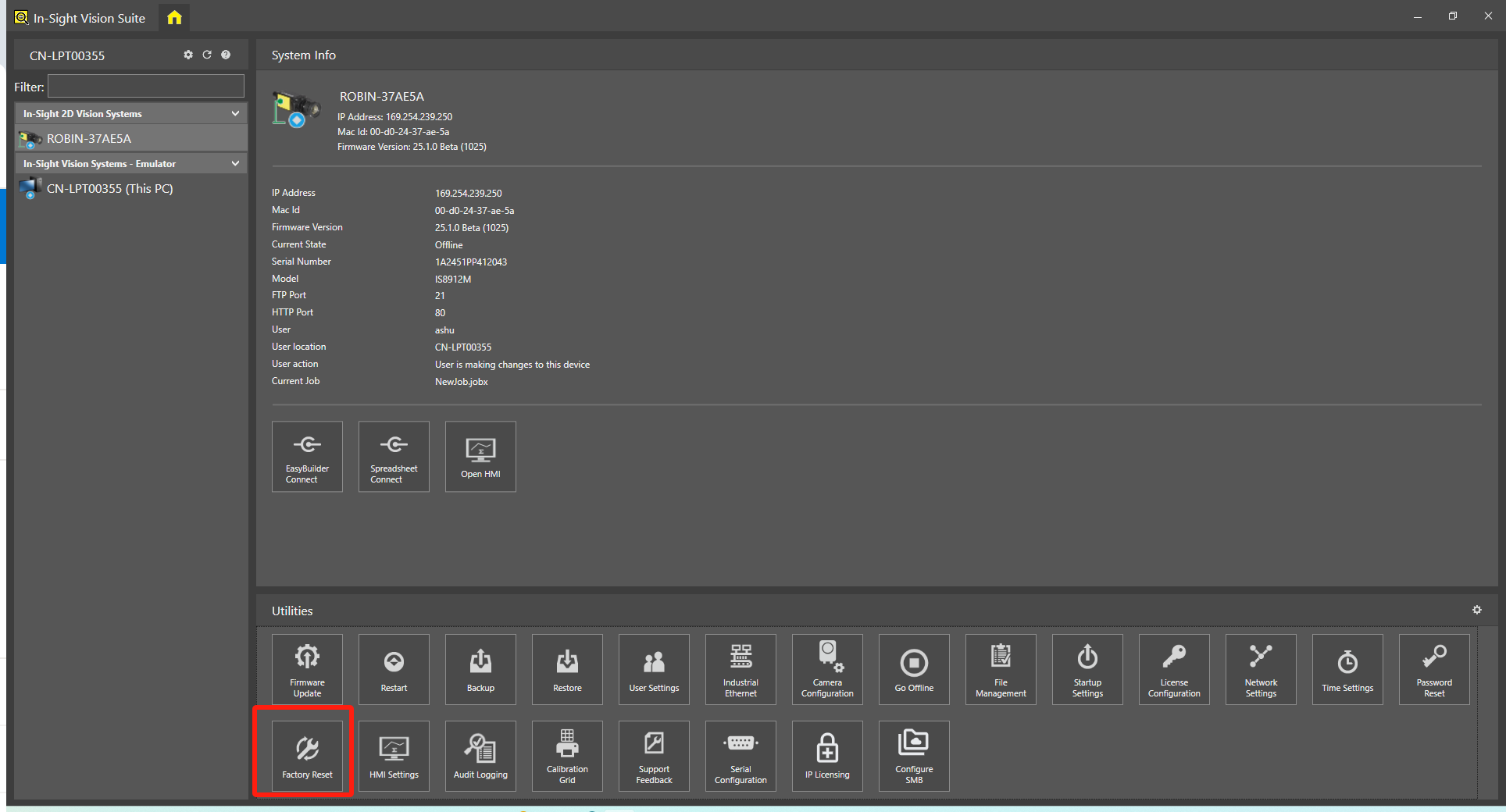
Click on the Factory Reset button in the list of Utilities.
A dialog box will pop up asking you to enter your username and password. You can use your own username and password if you set it before or use the default -
Username: admin
Password: (blank)
Click Sign in.
Then, the In-Sight will start resetting to factory default.

When the factory reset complete, click Close.
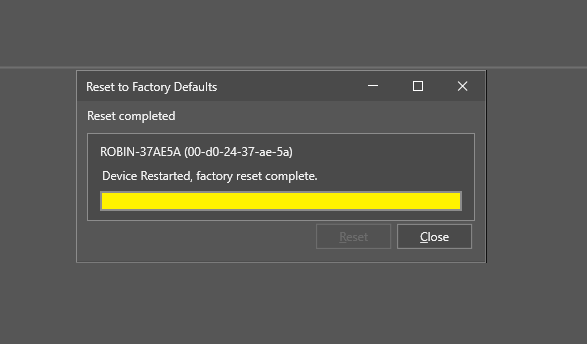
Wait for the In-Sight to reboot and you are done.