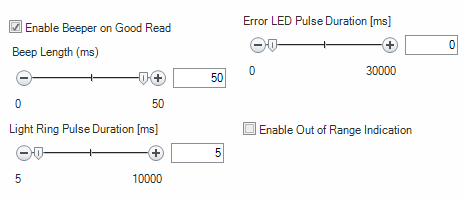
Details
DM390-HPIT- Multi-colored LED indicators.
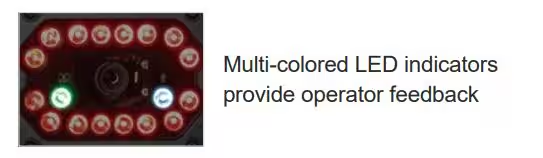
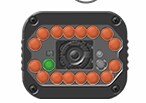
You can turn the Green LED on by clicking on the Green LED in the graphic below and when turned on, this Green LED is reserved for ‘Good Reads’. This is only on when reading codes, this LED is not turned on when not triggered on a code.
As for the Blue LED (2nd LED) this is the Custom LED which can be attributed to different events. These are the events you can attribute it to below:
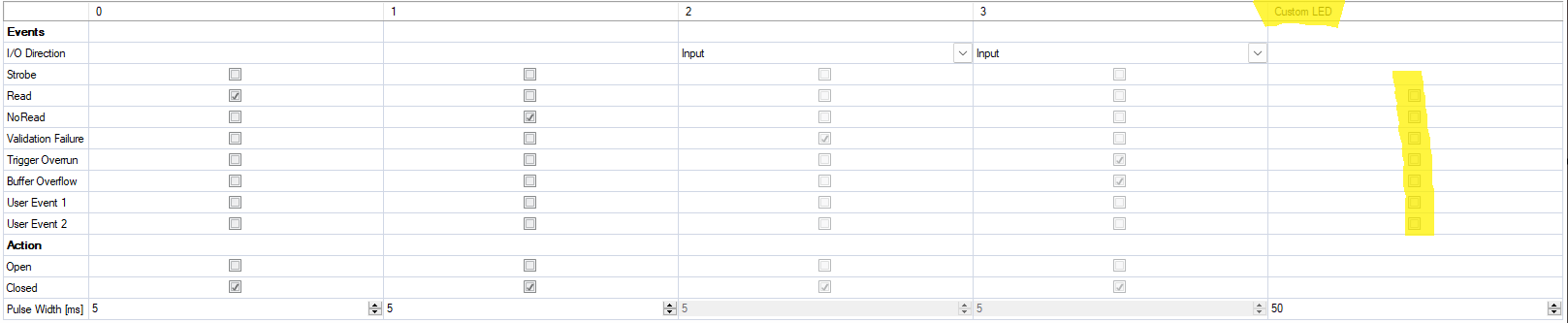
Additionally, this Custom LED can be used for ‘Out of Range’ indication: