

Question
In your Designer application, you might have a Record generated by a Tool/ToolBlock or a Merge Graphics Block including the Input Image and all the Graphics and might want to Save it as a Bitmap/other Image format.
Answer
An easy way of doing it is to have a VisionPro Display on the Designer Project Page linked to that Record and an OnClick Button Script to save its content.
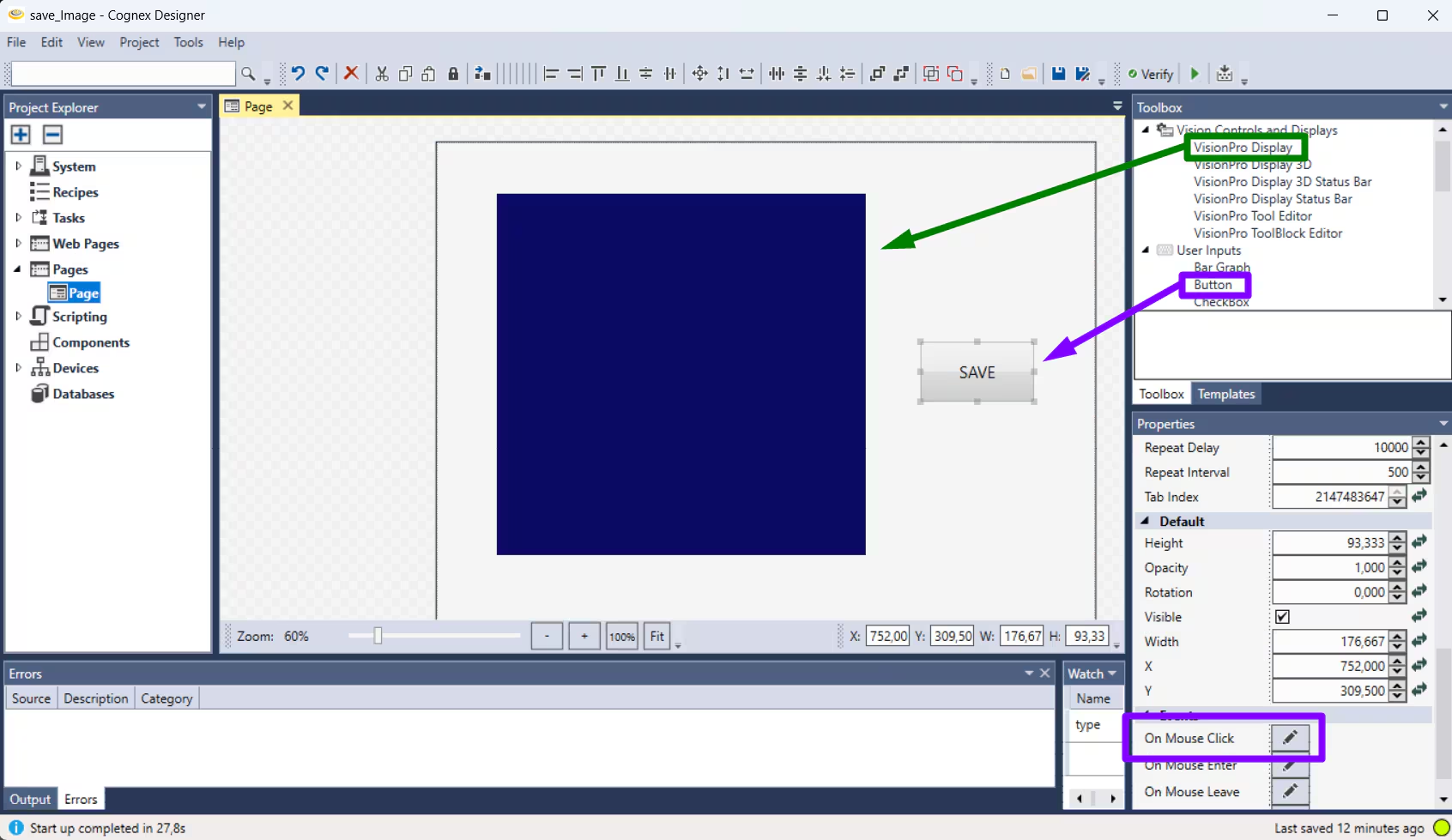
The On Mouse Click Script should look like:
$counter = $counter + 1; //increasing the counter at each run $Pages.Page.VisionProDisplay.Save(true, $filename); |
where $counter (int) and $filename (string) are two Tags (global variables).
By running the application, when clicking on the "Save" button, the image will be saved at the specified path.
