Details
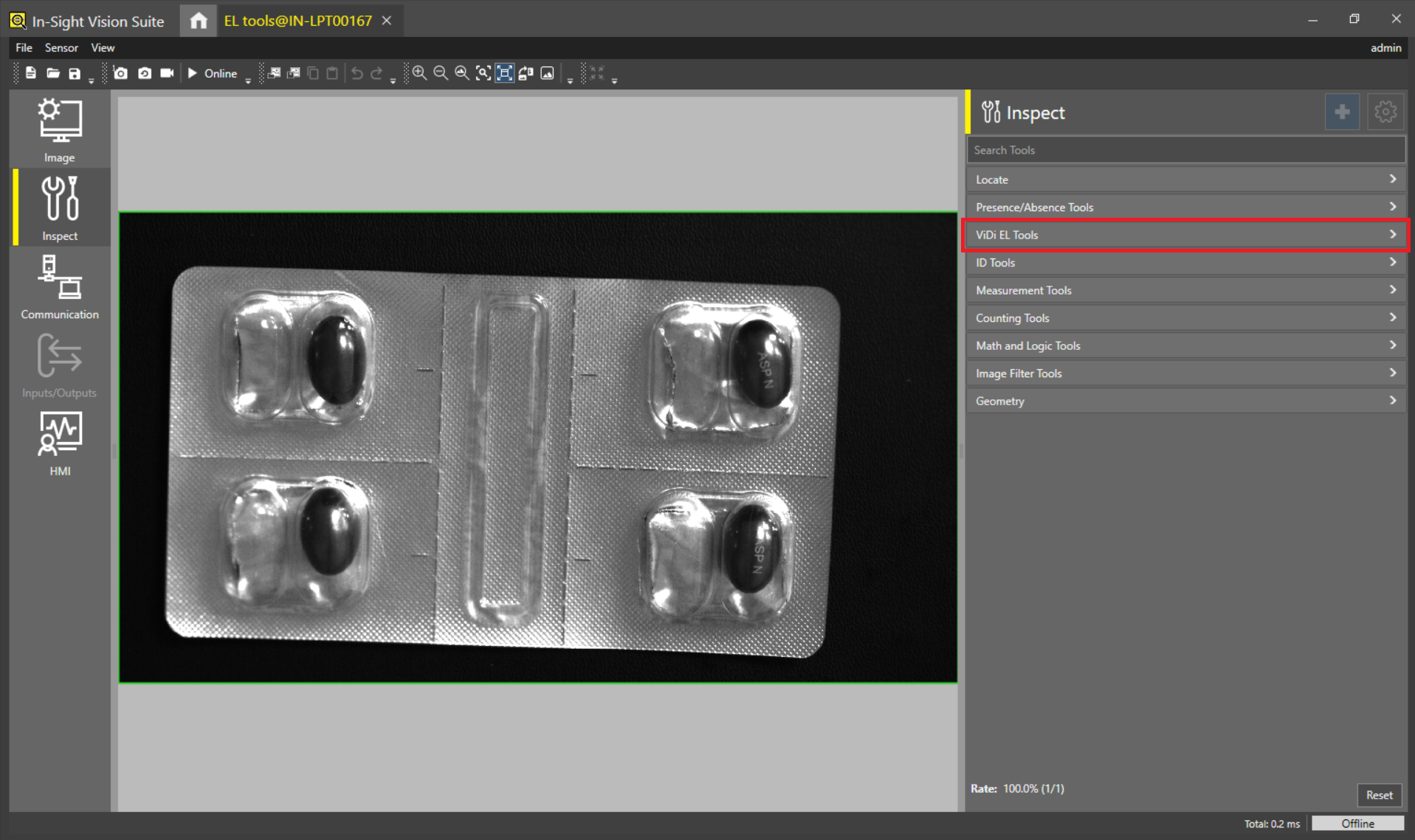
This article shows the 2 different methods to add and access ViDi EL Tools in In-Sight Vision Suite emulator:
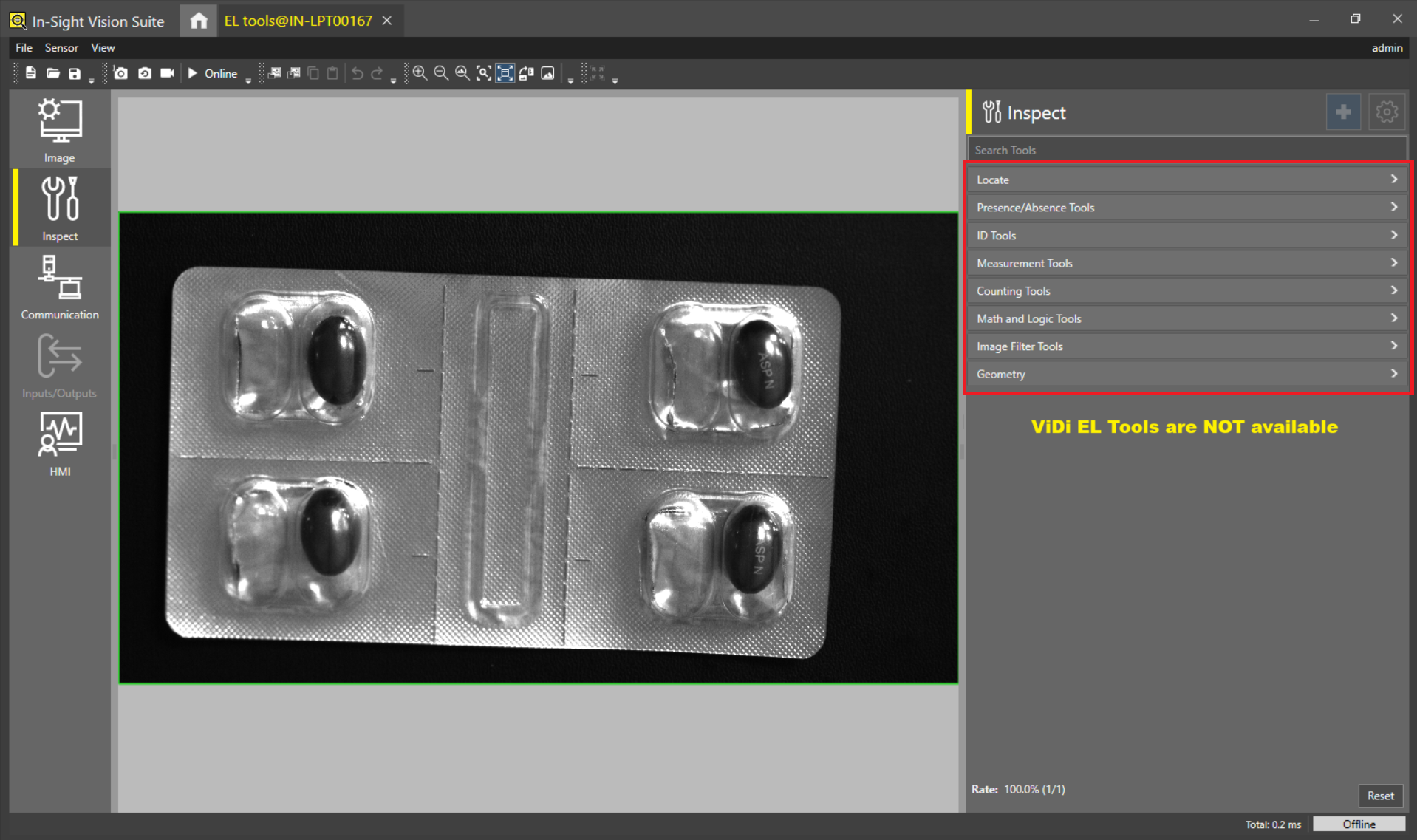
Resolution:
Please follow any of the below 2 different methods to add ViDi EL Tools in In-Sight Vision Suite emulator:
Method 1: By using any of the below USB dongles:
- Please use ISVS-EMU-ALL USB dongle
- Any COGNEX USB donlge with ALL tools (Example - ALL-IN-ONE-WB)
NOTE: Please restart In-Sight Vision Suite after using any one of the above USB dongle.
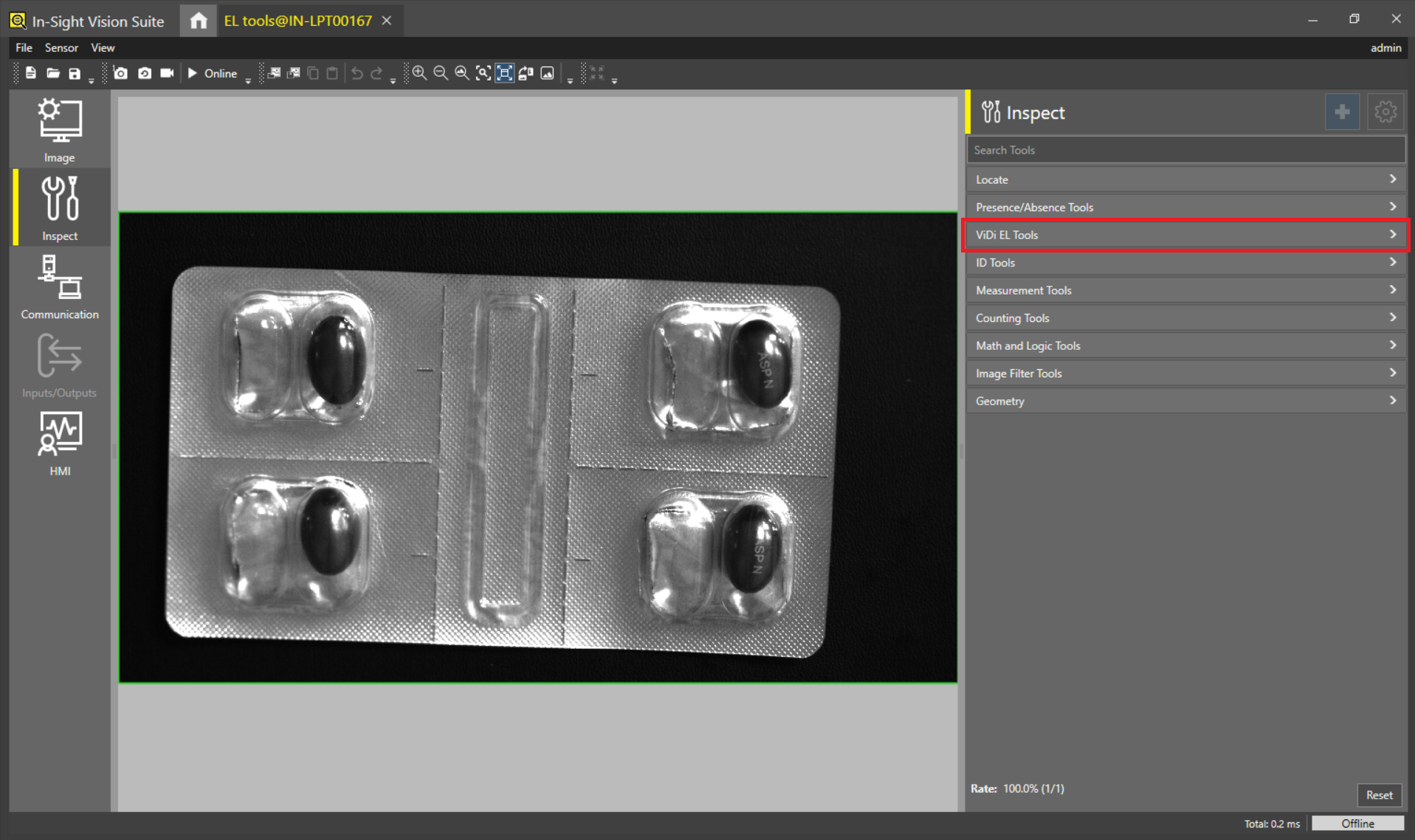
Method 2: By using Could licensing:
- Please follow the steps mentioned in below link to configure clould licensing to add ViDi EL tools in In-Sight Vision Suite emulator
- Please redirect to : cognex.com >> Support >> In-Sight Support >> In-Sight Vision Suite and follow the steps
- https://support.cognex.com/en/InsightVisionSuite
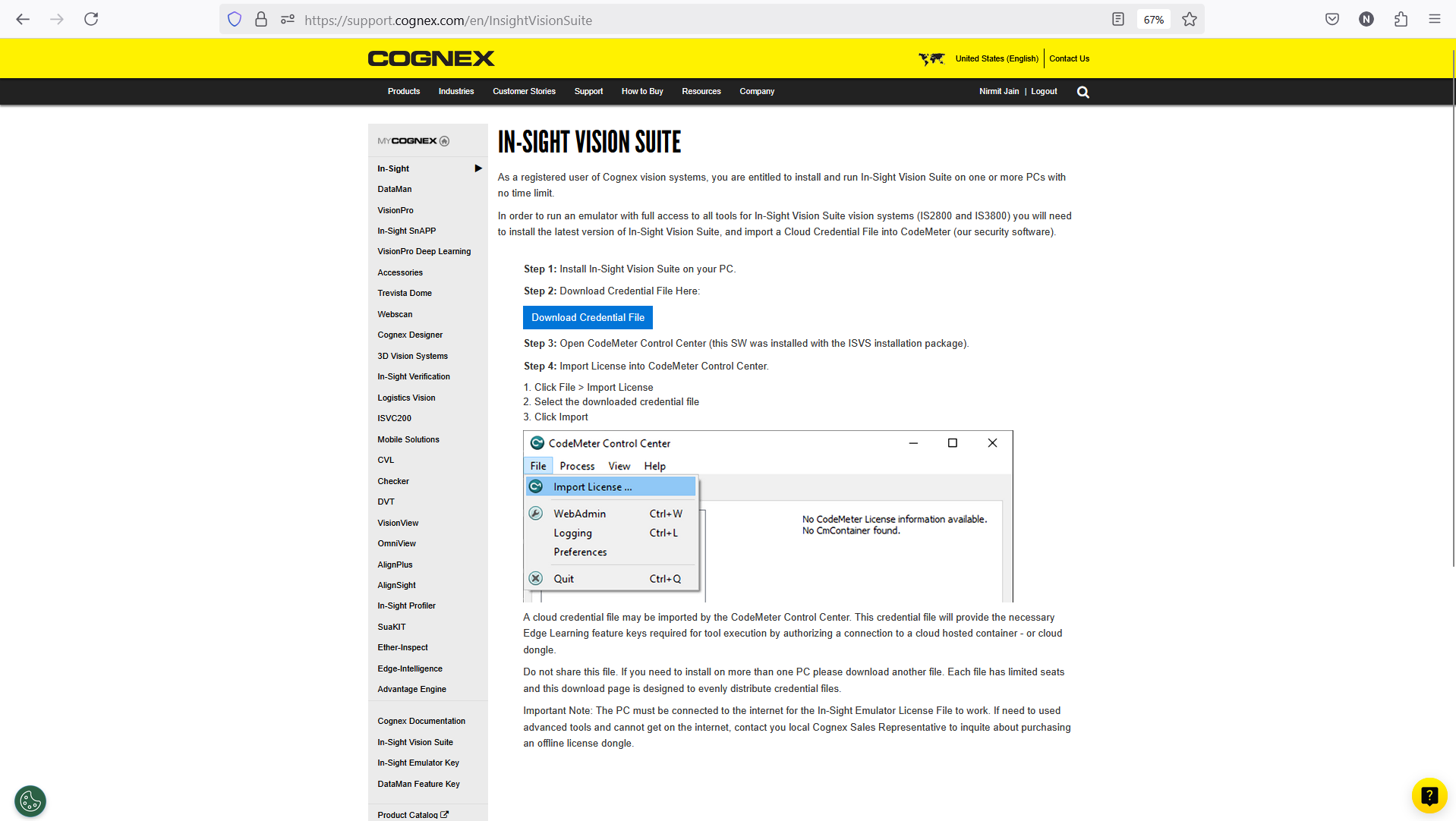
NOTE: Active internet connection is required all the time of using In-Sight Vision Suite emulator using this Cloud licensing method.