Question
How to get the latest image via HTTP with In-Sight ISD900 Vision Suite Camera?
Answer
To get the latest image acquired by the ISD900 camera, we have to send a POST request.
- Send a GET command to the camera. It can be sent either directly from a web browser or by using any HTTP tool like Postman, for example.
GET <cameraIP>/cam0/acq/lastImgRefIn reply, we will get with HTTP status 200 OK and a JSON structure with the URL address.
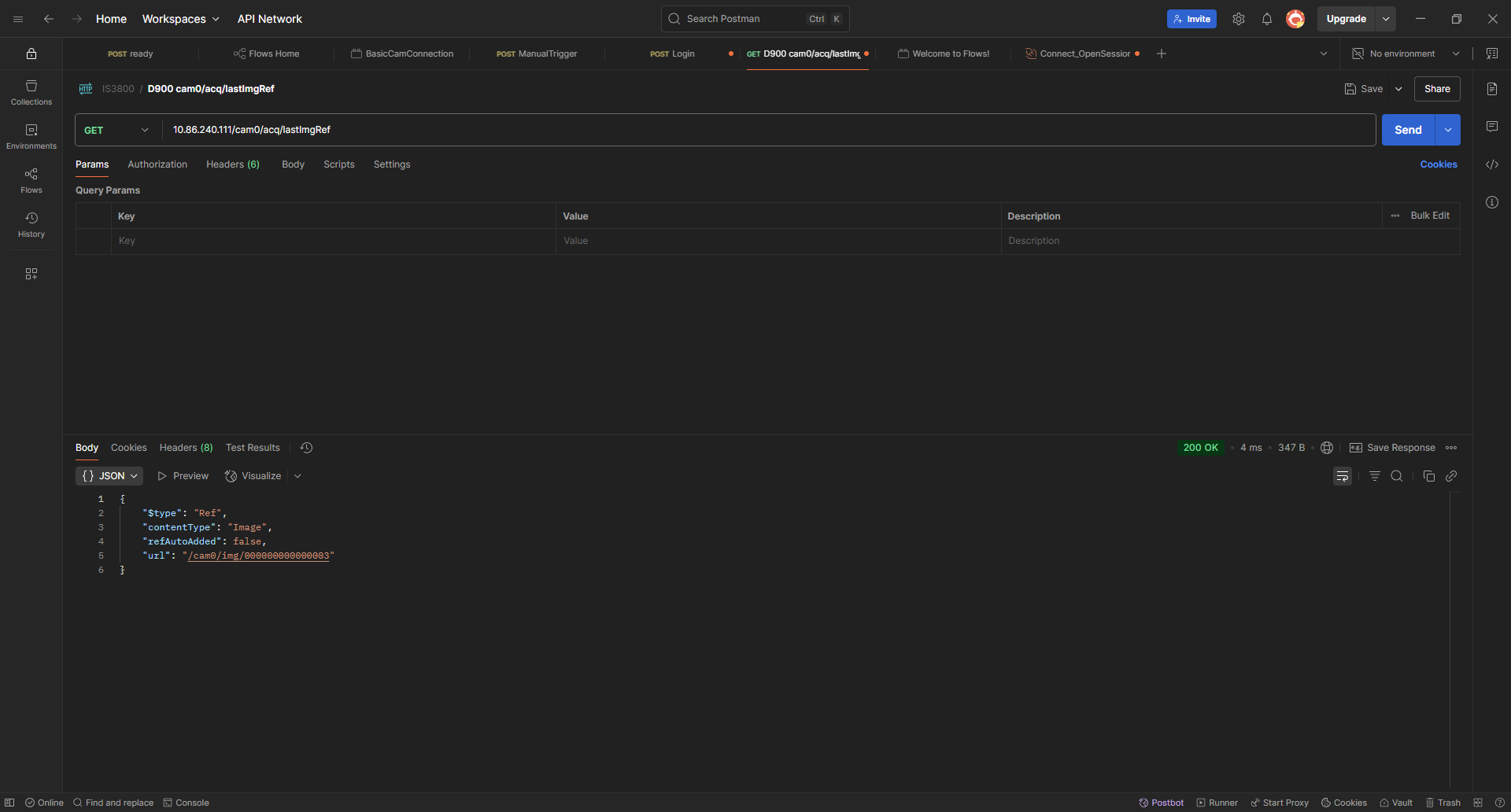
In this example, we got:
/cam0/img/000000000000003
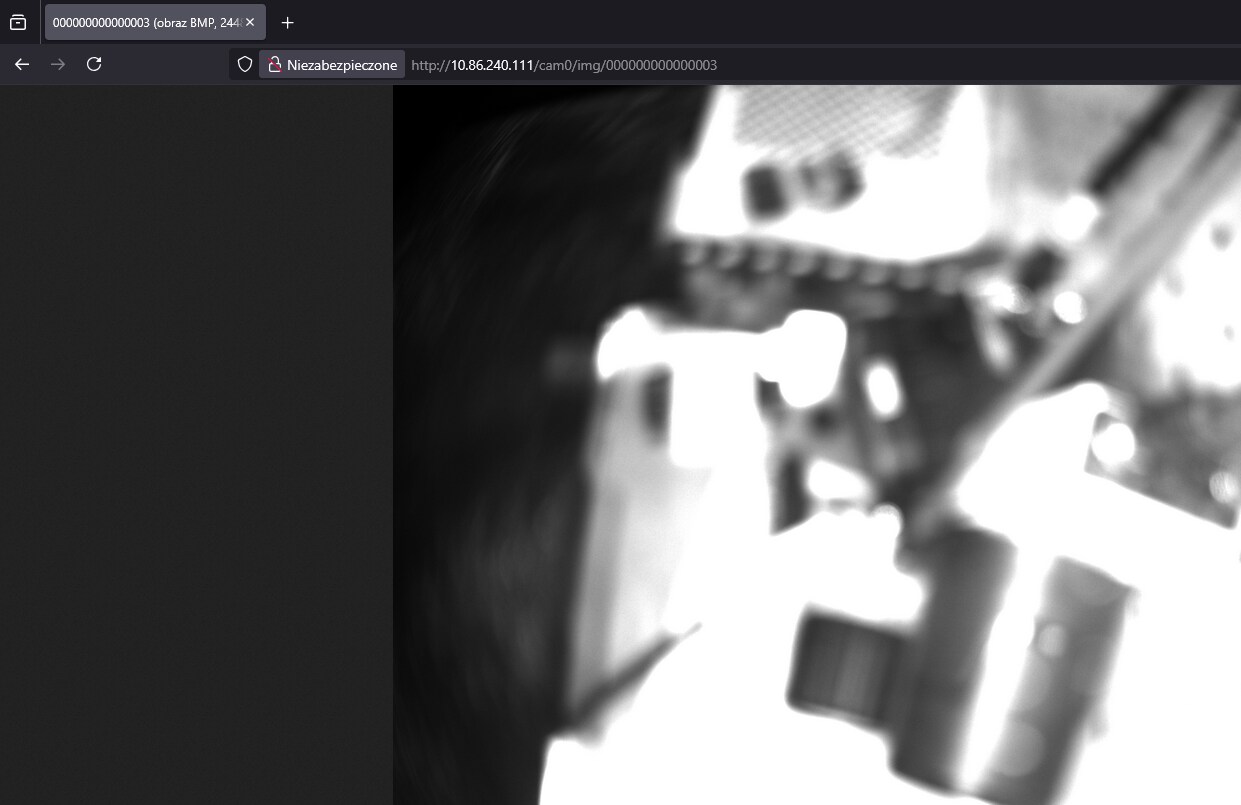
Then you can get that image by opening a web browser and typing:
<cameraIP><URL>