Details
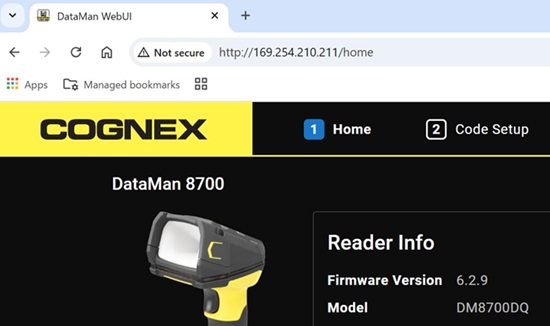
For this communication, DataMan 8700 with firmware version 6.2.9 or later is needed.
When DataMan 8700 is connected to PC via USB cable, Ethernet adapter is added automatically.
Before connecting:
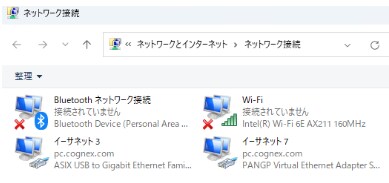
After connecting:
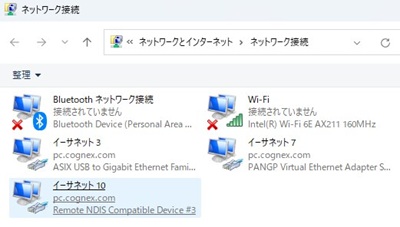
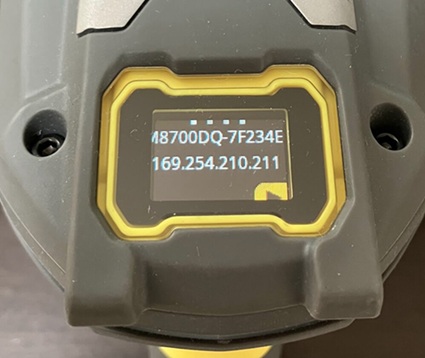
DM8700 is also assigned IP address. The both IP address, PC and DM8700, are configured to DHCP as default.
You can confirm the IP address at OLED display of DM8700 reader.
You can type IP address in the address bar of your browser to connect DM8700 via WebUI.